AR Photo Singapore|Prints That Come Alive
Scan the QR, point at the print, and the photo comes alive — a photo that is more than a photo
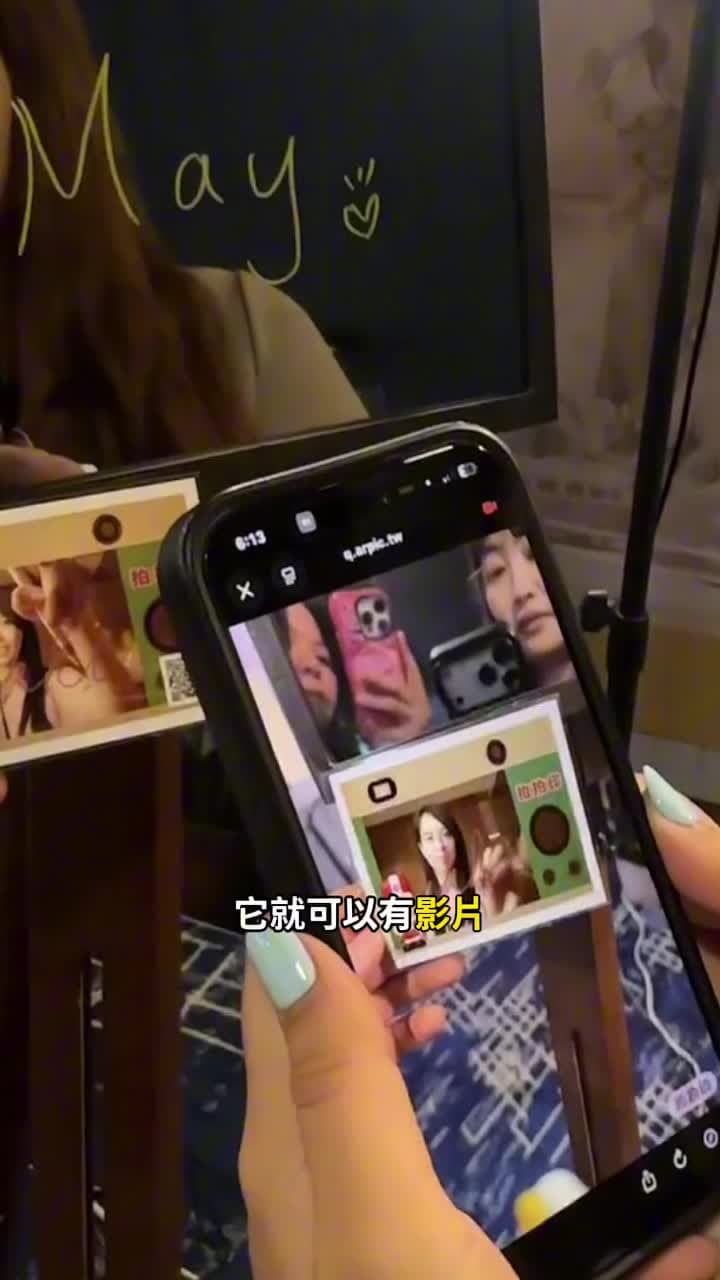
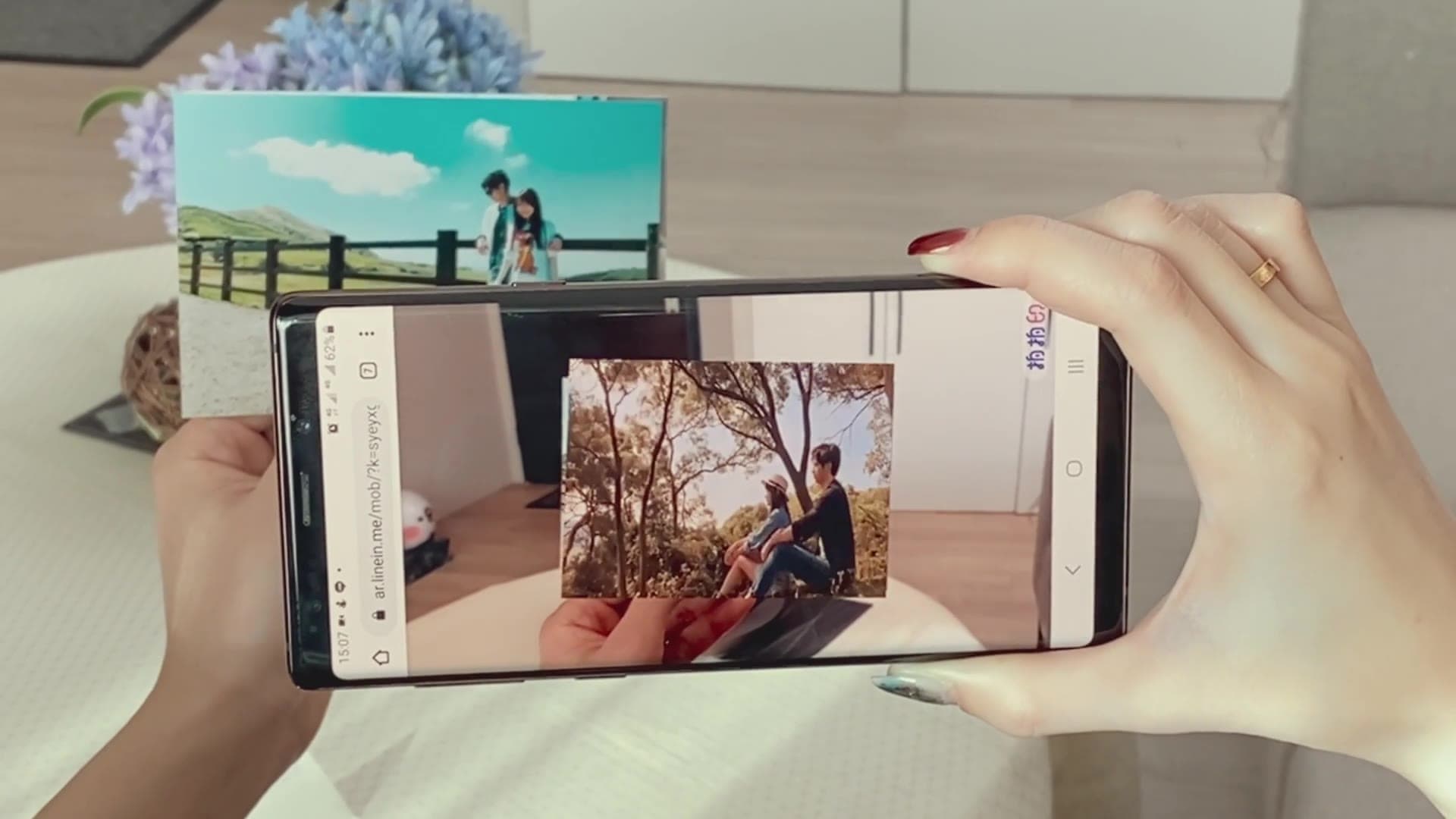
Guests scan the QR code on their printed photo, which opens the Pixanity AR viewer in the phone browser — nothing to download. Point the camera at the print and the people in it start moving: the clip recorded at the moment of the shot plays right on top of the photo. When it ends, the viewer jumps to your brand page, event page or lucky-draw page, and the opening logo is yours. It layers onto the Scribble Booth, AI photo booth or mobile photo booth, so every print guests take home moves.
- No app — scan and it opens — The QR on the print opens the Pixanity AR viewer in Safari or Chrome
- Point at the print, the video plays — Image recognition locks onto the photo and the clip stays pinned as you move
- Ends on your page — Redirect to your website, event page, lucky draw or survey; custom opening logo
Overview: who it's for & what it solves
AR Photo is Pixanity’s augmented-reality layer for printed photos: guests scan the QR code on the print to open the Pixanity AR viewer (no app), point the camera at the photo, and the clip recorded at the moment of the shot plays on top of it. Playback ends on a page you choose, with a custom opening logo. It pairs with the Scribble Booth, AI photo booth and mobile photo booth at D&Ds, launches, weddings, exhibitions and family days.
What is an AR photo?
When a booth takes a photo it also records a few seconds of video. AR Photo binds that clip to the print: a QR code in the corner opens our own AR viewer, the camera recognises the photo, and the clip plays exactly on top of it — the print appears to come alive.
Everything runs in the phone browser: no download, no sign-up, and no ugly tracking markers on the print. When the clip ends the viewer can land on your website, event page, lucky draw or survey, and the opening logo can be your key visual.
It is not a separate booth. It is a second layer on top of the Scribble Booth, AI photo booth or mobile photo booth, so every print they produce can also be a moving photo. In Singapore the same idea goes by several names — AR photo booth add-on, augmented reality photo print or living photo print — and this page covers all of them.
The three seconds when the photo moves are when everyone scans again
The first thing people do with a print is look at themselves; the second is scan the QR. When the camera locks on and they start moving in the picture, most guests turn the phone to the person next to them. That is how AR photos spread — nobody is asked to share; they want to show it. And the QR keeps working at home, returning to the page you set every time.
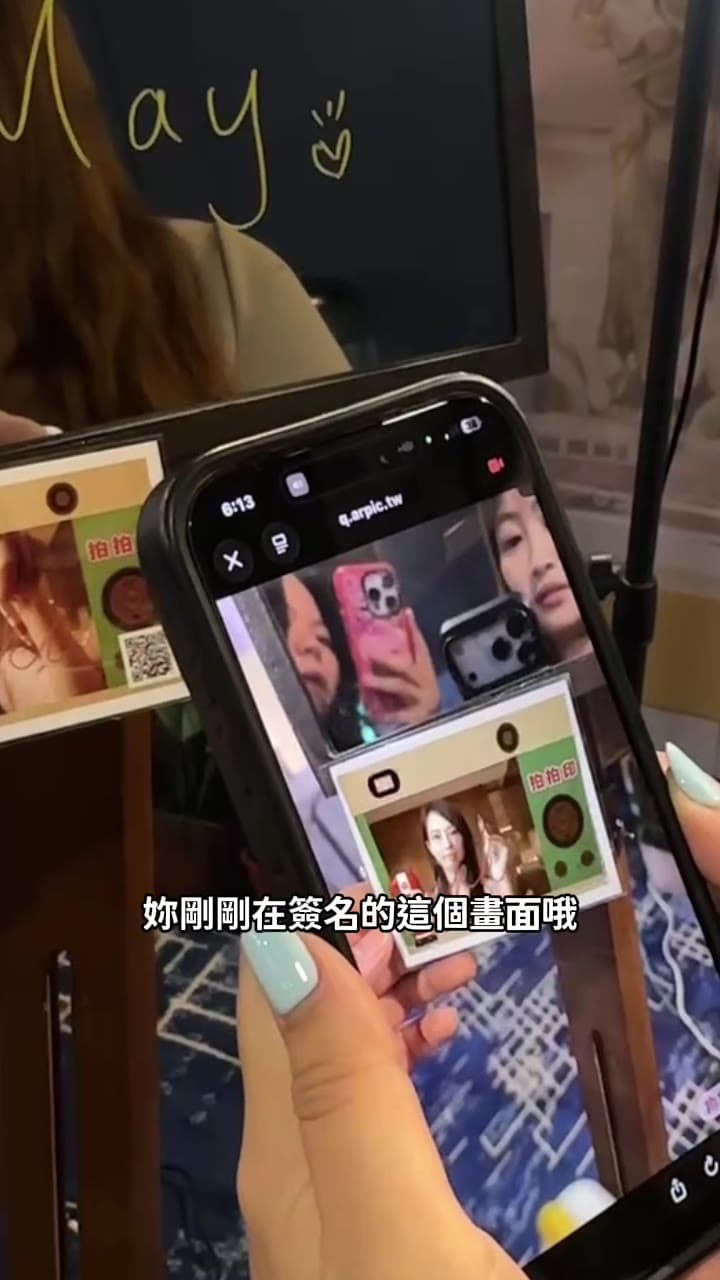
Showcase floor: a guest holds a tablet up to the print and the photo plays
Scan, point, play, land — four steps
All in the phone browser, no app; prints come from the Scribble Booth, AI photo booth or mobile photo booth.
Scan the QR on the print
The QR in the corner opens the Pixanity AR viewer on iPhone or Android.
Point the camera at the photo
Fit the print into the frame; the photo itself is recognised — no tracking marker needed.
The video plays on the print
The clip recorded at the shot stays pinned to the photo as you move or zoom.
Land on your page
Redirect to your website, event page, lucky draw or survey; opening logo and end button are customisable.
Why guests scan one photo twice
No download, no sign-up
Opens straight in the browser, so nobody gets stuck on an install screen.
The photo is the trigger
No tracking pattern on the print — design the frame freely; recognition uses the image itself.
Brings interaction back to the brand
Ends on the page you choose; every scan at home is another visit.
Custom logo and ending
Opening logo, end button text and link follow your key visual and the print frame.
On the floor
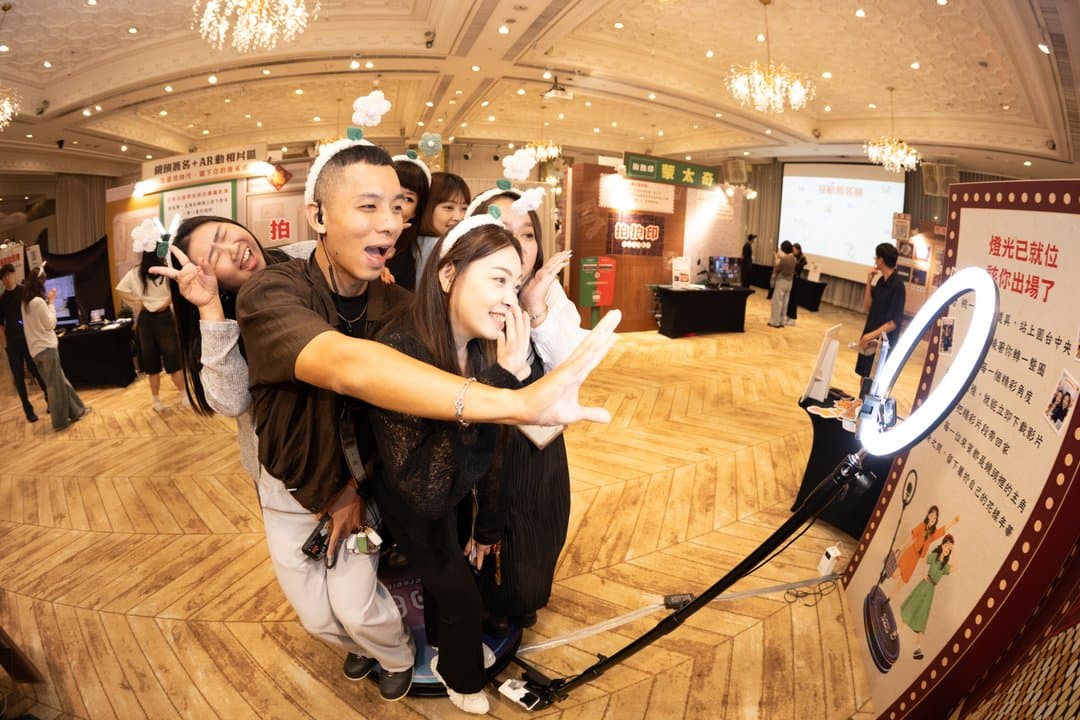
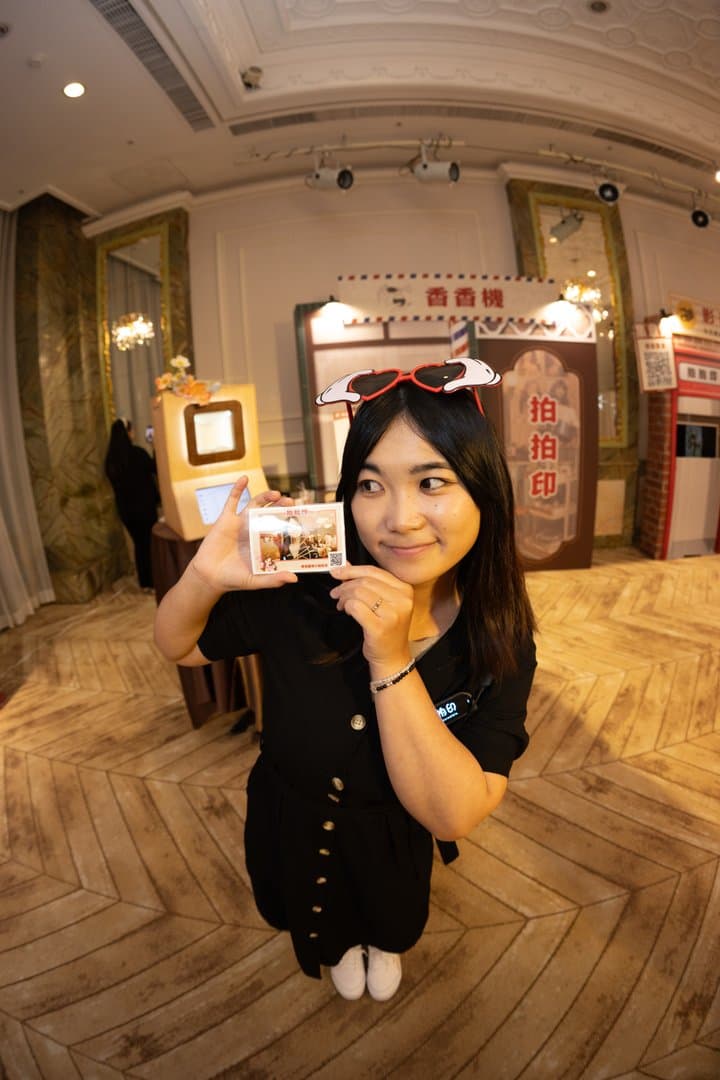
The AR photo zone at our 2026 showcase and printed cards from a gala night.
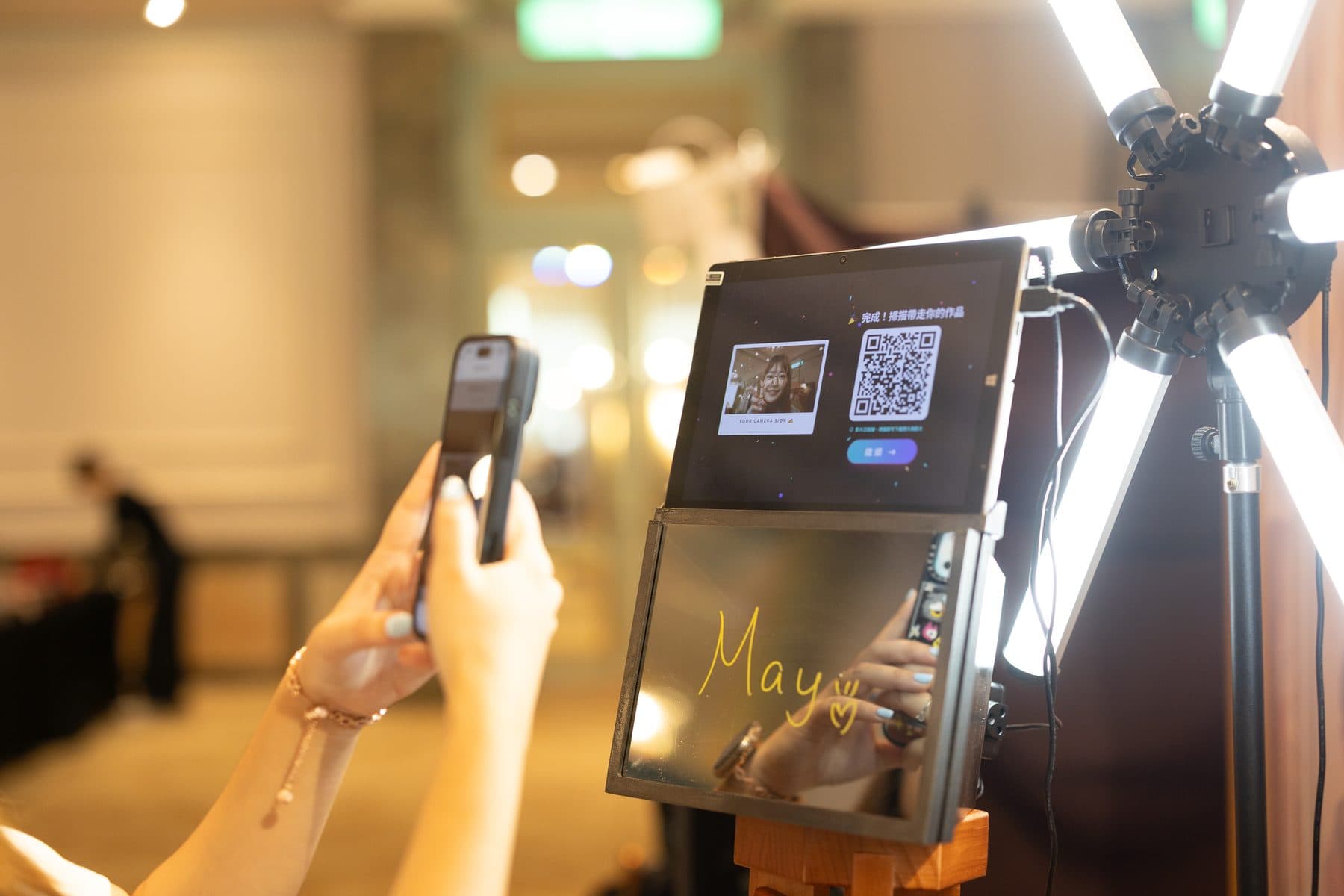


From print to motion, as it actually happens
Real photos and results from our 2026 showcase and the Lang Live gala — not mock-ups.
Point at the print and the video plays there
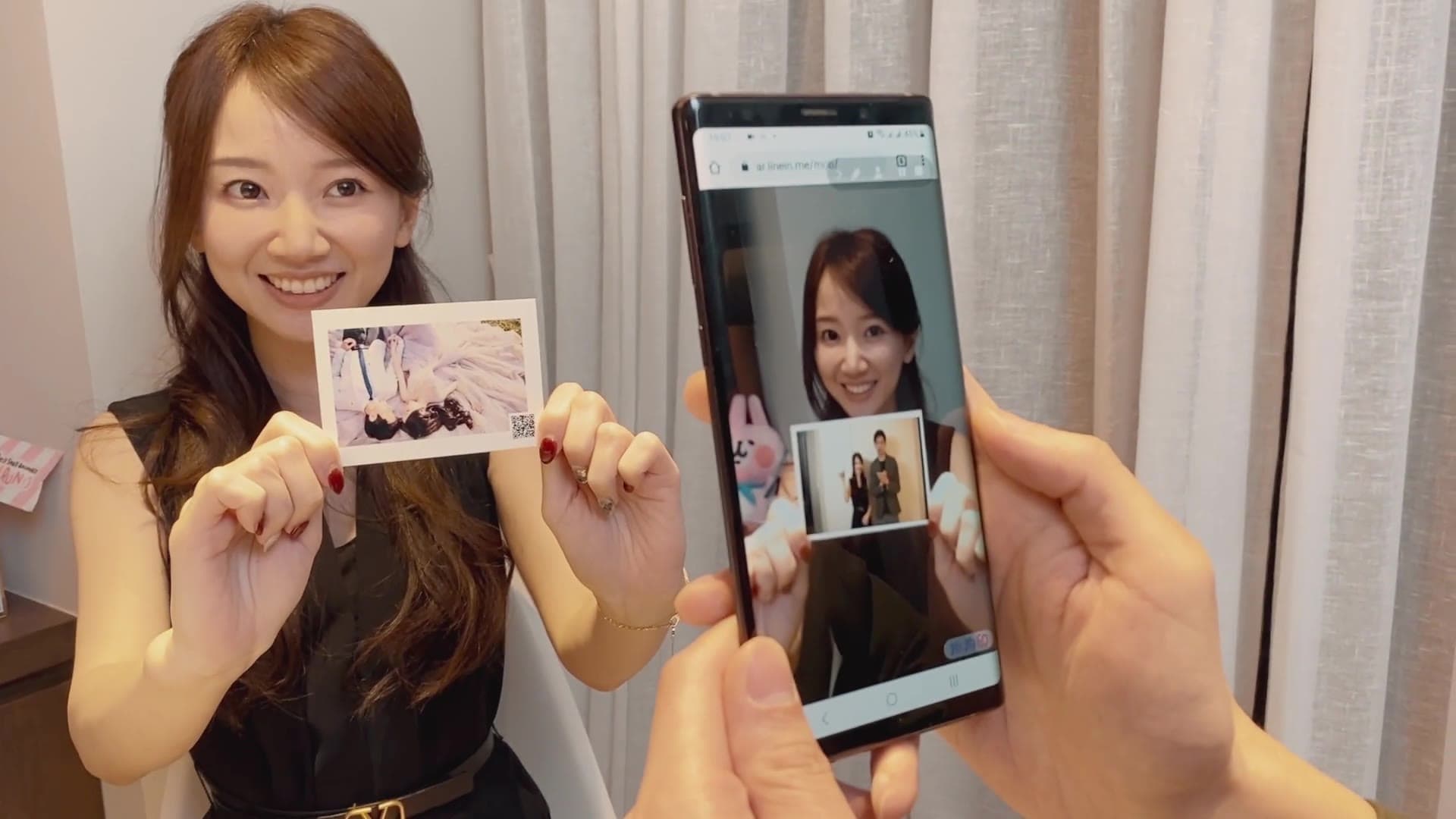
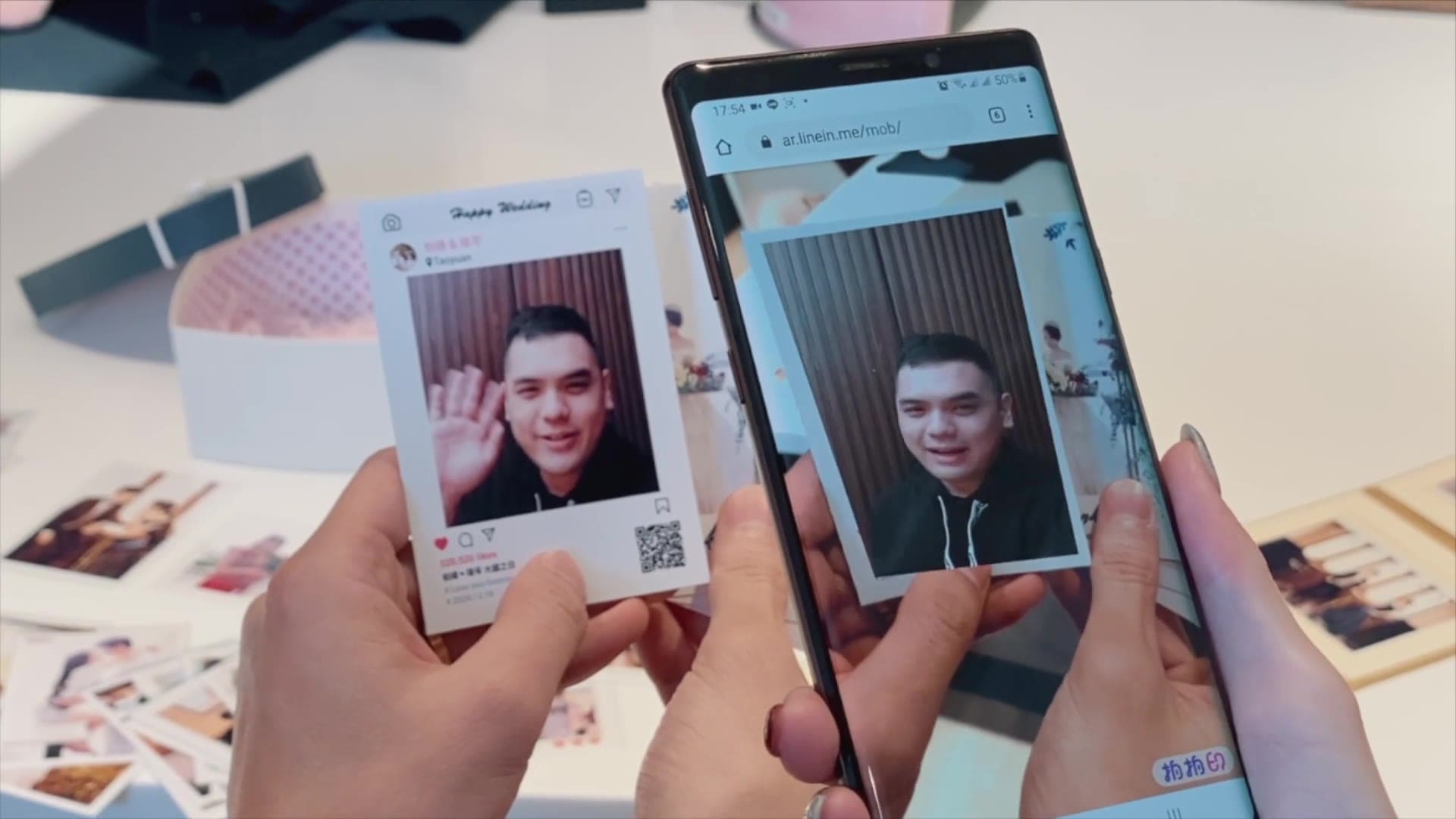
This is the guest’s phone: the print sits in the frame, recognition completes, and the clip plays on the photo. Move the phone and the video follows the print.
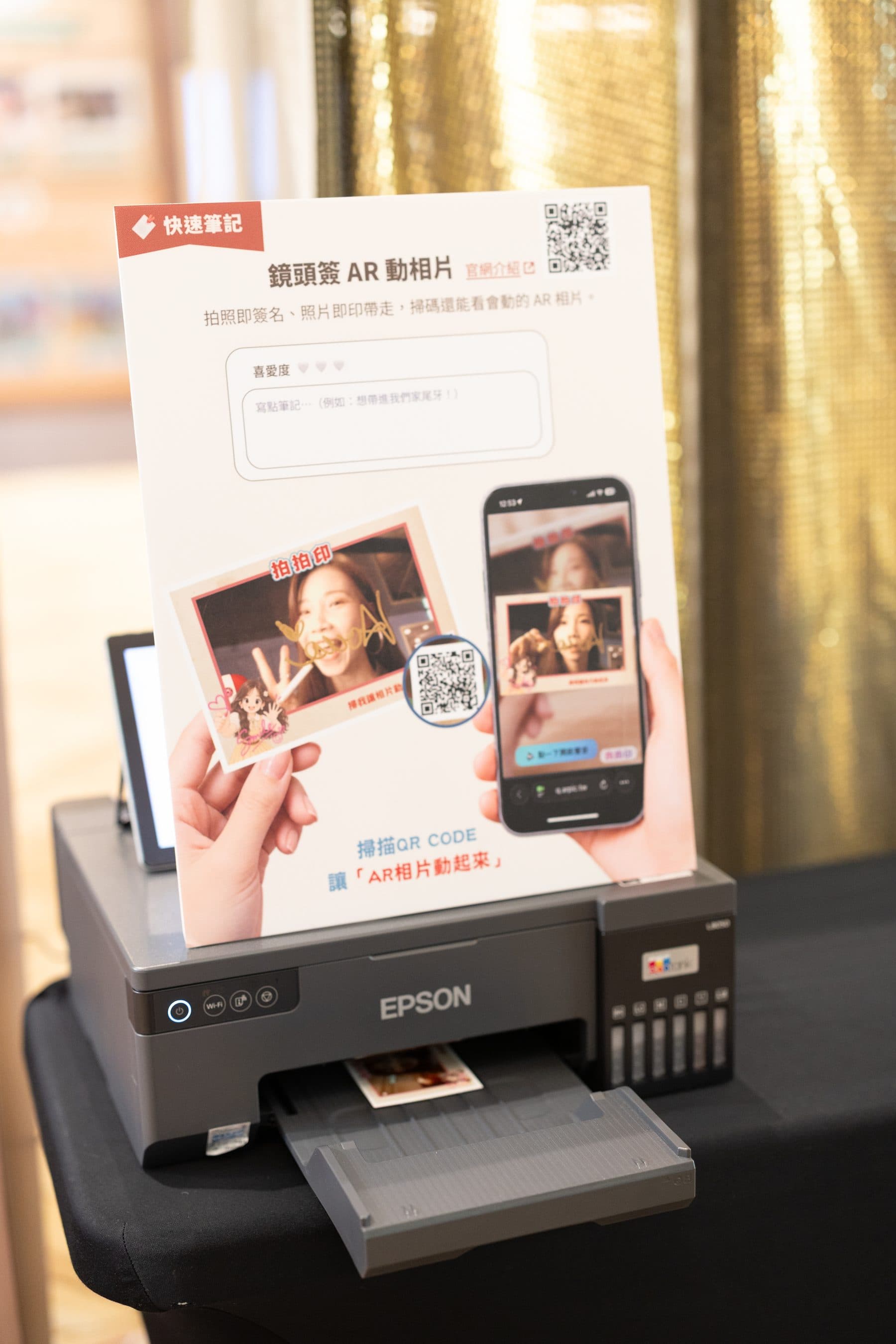
The QR is already on the print
No links to send. The QR in the corner is the entry point; a sign at the desk shows how to scan, and guests try it the moment they get the print.
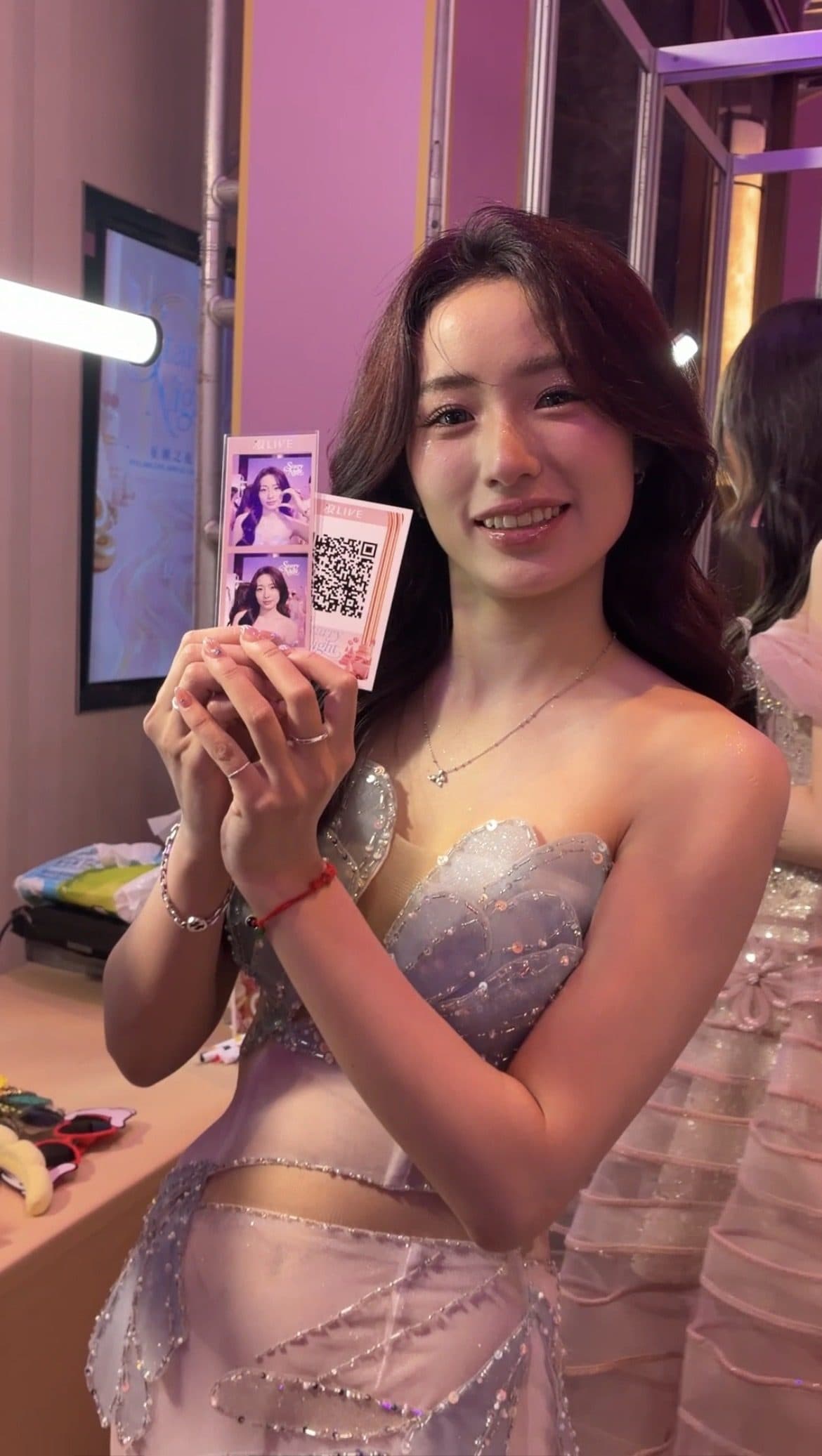
The frame is the event’s, the QR is the guest’s
Each print’s QR maps to that guest’s own clip; frame and opening logo follow the event visual, and scans at home still land on your page.
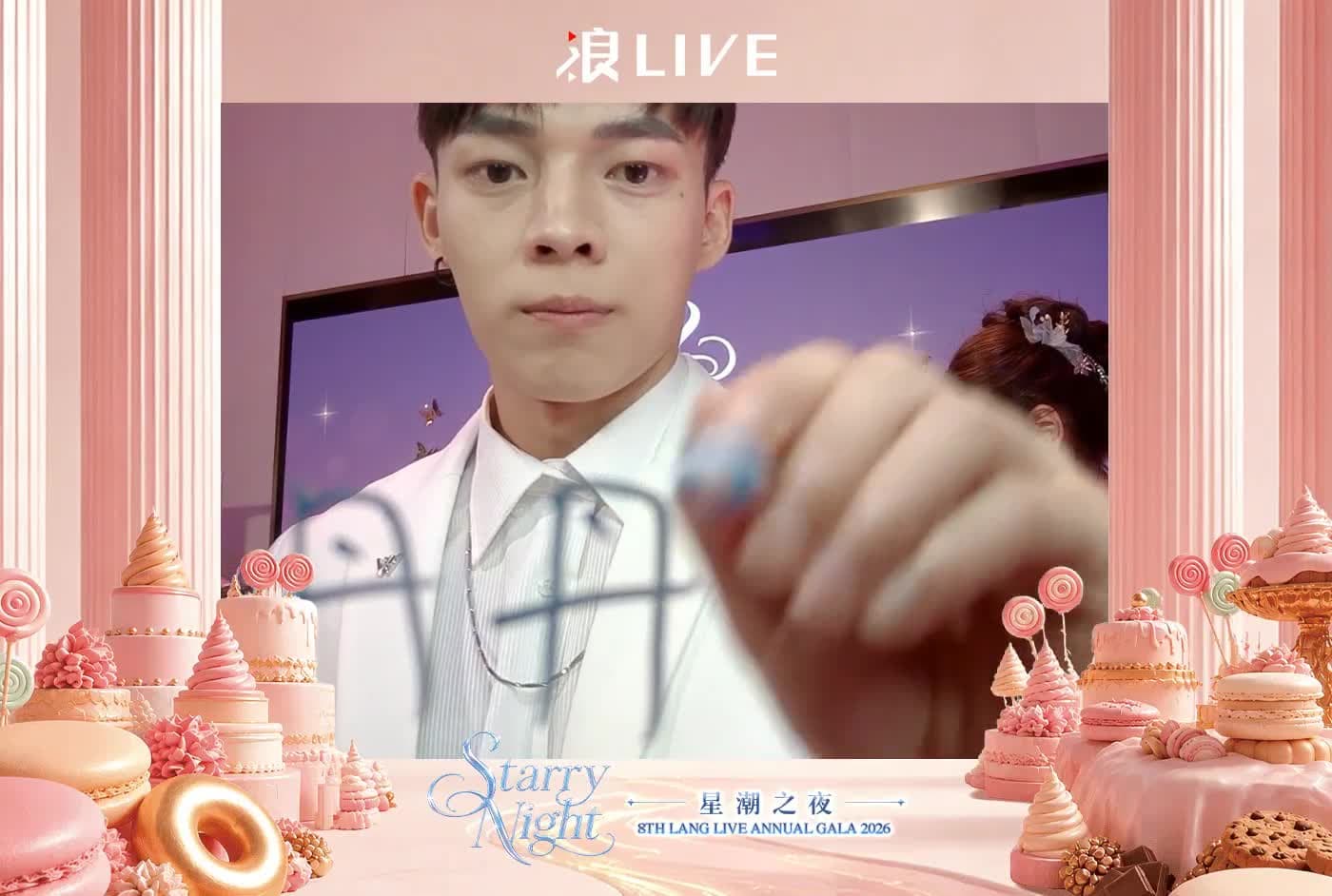
With the Scribble Booth, the signature moves too
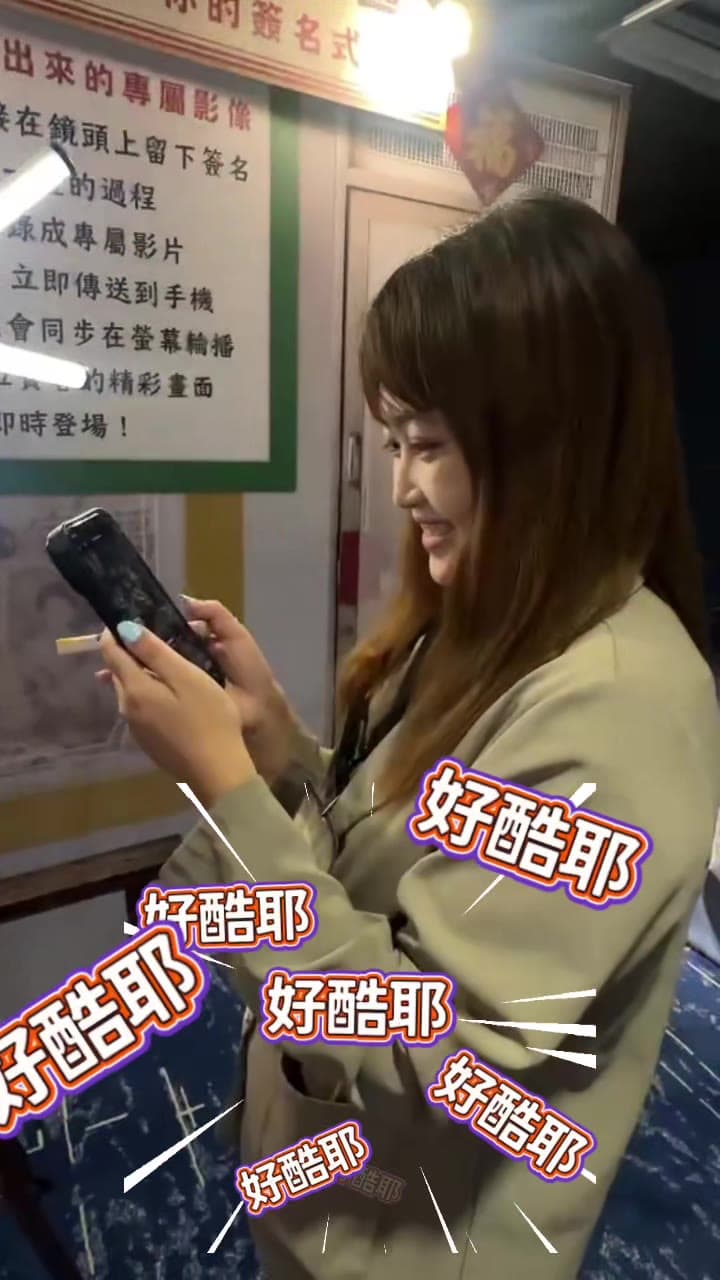
Layered on the Scribble Booth, the AR clip shows the shot and the signing: the name appears stroke by stroke on the photo — the version guests replay most.
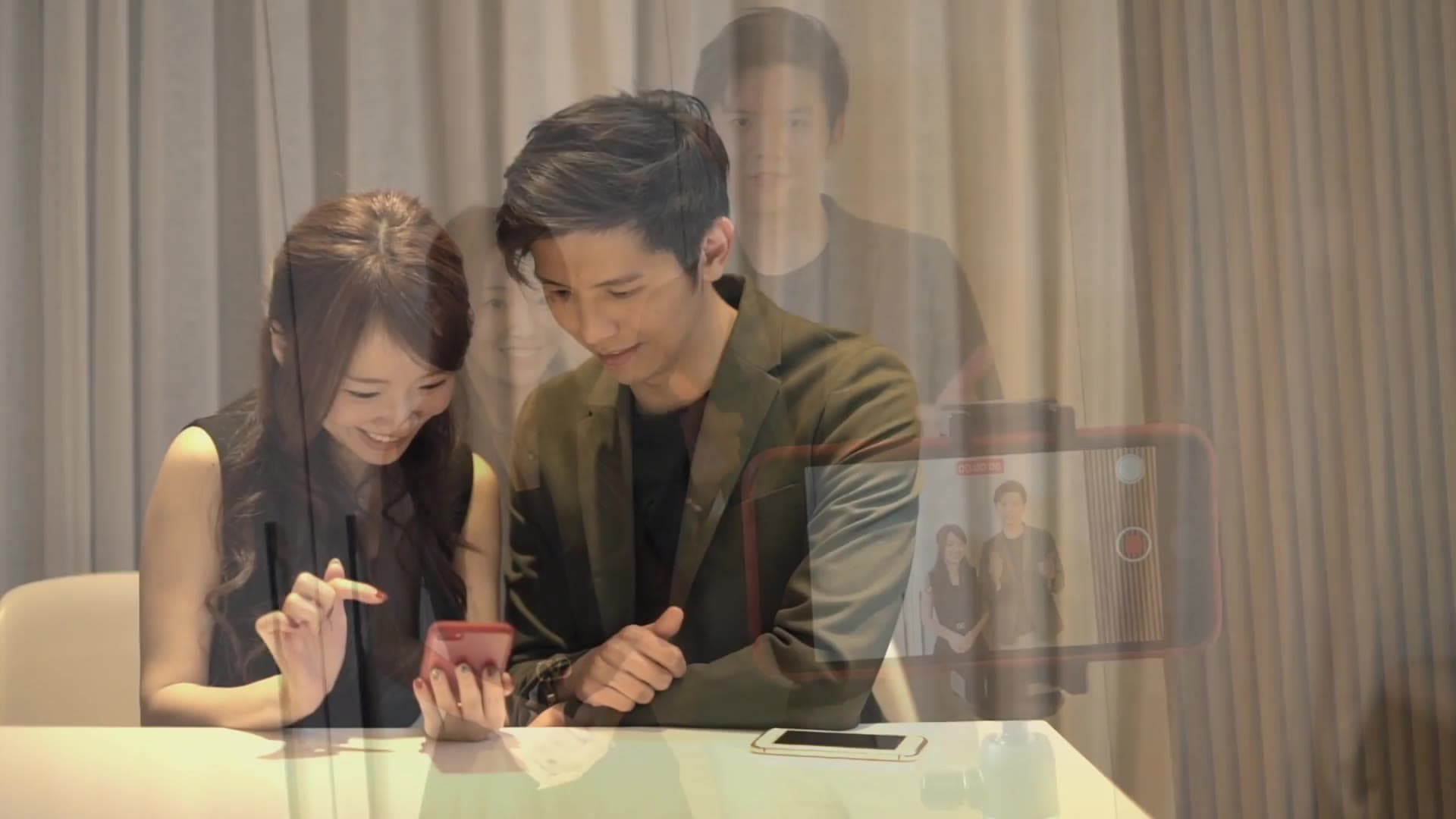
Two minutes: a second life for booth prints
The official intro: the booth prints the photo, the guest scans the QR, points the phone and it moves — plus the moment months later when the print is found and scanned again. Send this one to your boss or client.
All photos are records of real events, shown with consent.
AR Photo service spec
- How it opens
- Scan the QR on the print to open the Pixanity AR viewer — no app, no sign-up
- Devices
- iPhone (Safari) and Android (Chrome) browsers; camera permission and mobile data
- Recognition
- Image-feature recognition of the print itself; no tracking marker, free frame design
- Video source
- The short clip recorded at the shot (Scribble Booth, AI photo booth, mobile photo booth)
- After playback
- Redirect to website, event page, lucky draw or survey; end button text editable
- Customisation
- Opening logo, print frame, end redirect and button text
- Pairs with
- Scribble Booth, AI photo booth, mobile photo booth, roaming photographer prints
- Retention
- Video links stay live after the event; retention period agreed per project
How is AR Photo priced?
AR Photo is an add-on to a photo service and is quoted per project; share your event date, headcount and the booth you want to pair it with for a quick estimate.
- Paired photo service (Scribble Booth / AI photo booth / mobile booth)
- Estimated number of prints
- Opening logo and end-page customisation
- Video retention period
- Sessions and on-site support
Why Pixanity for AR photos?
- The AR viewer is built in-house and shares one system with our booths, so photo and clip pair automatically — no manual uploads.
- No app is a hard requirement: it opens in the browser, so nobody stalls at an install screen.
- No tracking markers on the print; recognition is proven stable under event lighting.
- End redirect and logo customisation keep the print working for your brand after the event.
AR Photo FAQ
The questions clients ask most when adding AR photos — opening, devices, recognition, customisation and pairing.
No. Scanning the QR on the print opens the Pixanity AR viewer in Safari on iPhone or Chrome on Android.
No. The photo itself is recognised, so the frame can follow your key visual — only the QR code is required.
The short clip recorded at the shot — the Scribble Booth’s shooting and signing, or the AI photo booth’s capture. Each print maps to that guest’s own clip.
Yes. The end screen can go to your website, event page, lucky draw or survey; button text and the opening logo are customisable.
AR Photo is an add-on and pairs with the Scribble Booth, AI photo booth, mobile photo booth or roaming photographer prints.
Yes. Links stay live after the event for the agreed retention period, and every scan at home lands on your page.
Guests use their own mobile data; the clip loads on open. We recommend a 4G hotspot at the desk for demos in weak-signal venues.
Logo, frame and end redirect should be final 7 working days before the event; earlier in peak season.
Service areas
Pixanity serves events islandwide across Singapore — company D&Ds, brand launches, weddings and exhibitions — wherever a photo service prints on site.
Photo services it pairs with
Want guests to take home a photo that moves?
Tell us your event date and the booth you want to pair it with — we reply within 24 hours.
Get a quote